From Lecture to Research Paper: How Students Use the reMarkable Paper Pure to Study Smarter
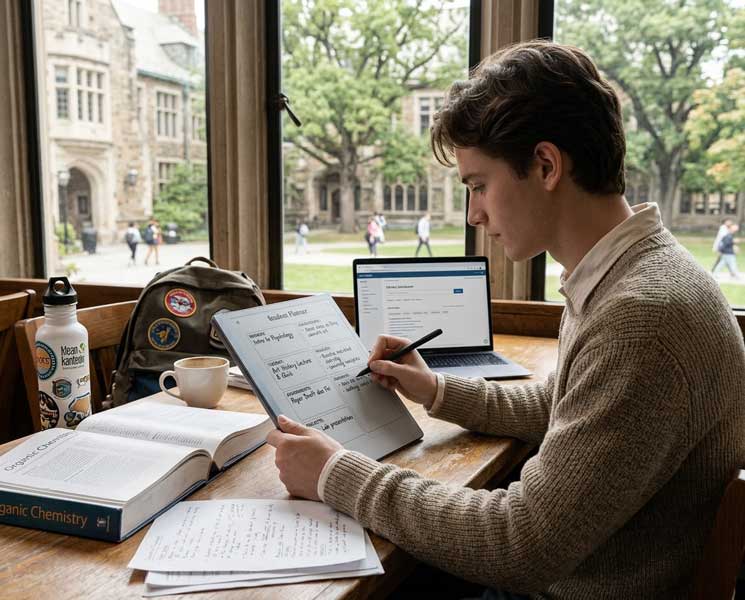
The laptop problem in the classroom
Students who take notes on laptops during lectures face a documented disadvantage. Research published in Psychological Science found that laptop note-takers performed worse on conceptual exam questions than students who wrote by hand, even though the laptop group had more notes. The reason: typing facilitates transcription. Handwriting forces synthesis. You can't write fast enough to capture everything, so you have to decide what matters. That decision is learning.
Laptops also have a second problem: they're the same device you use for everything else. The willpower required to not check one notification, not answer one quick message, not look up one thing during a 75-minute lecture is significant. Most students burn through it quickly.
The Paper Pure solves both problems. The writing experience naturally forces summarization, and there's nothing else on the device to check.
Lecture note-taking that works
The best lecture note-taking system on the Paper Pure is simple:
Lecture note system
Before class: Open a new page in the course notebook. Write the date and the lecture topic. If you did the reading, write two or three questions you still have going in.
During class: Write in your own words. If the professor says something you don't fully understand, put a question mark next to it. Don't worry about formatting. Just capture the thinking.
Within 24 hours: Go back through the notes. Summarize each section in one sentence. Answer the question marks where you can. Mark anything still unresolved for office hours or further reading.
Before exams: Review the one-sentence summaries across the semester. The concepts are already compressed. The review is a refresh, not a relearn.
This process takes roughly 15 extra minutes per lecture. It saves hours during exam prep because the material was processed the first time, not just transcribed.
Research papers and PDF annotation
Graduate students and researchers working through journal articles, dissertations, and source documents get significant use from the Paper Pure's PDF annotation tools. Import a batch of papers for a literature review. Annotate each one directly on the device. Add your own notes in the margins.
The organizational structure is key. Create one notebook per research project or paper. Within each notebook, keep your annotations and your own notes in separate sections. When you sit down to write, everything you need is in one organized place rather than scattered across browser tabs and a physical notebook.
Exam prep frameworks
The K2S Personal tier includes weekly planning and goal tracking structures that work well for semester pacing. Map out exam dates, paper deadlines, and major milestones at the start of the semester. Do a quick weekly review every Sunday: What's due this week? Where are you behind? What needs the most time?
For specific exam prep, use the Paper Pure for practice problems and concept reviews by hand. Work through the problems, not just review the solutions. Students in quantitative fields consistently report that working problems by hand, even after understanding the concept, produces better performance under exam conditions than reviewing typed solutions.
Thesis and long-form research work
Long-form academic work requires a different kind of cognitive management than coursework. You're holding a large, complex argument together across months of work. Losing the thread is easy. The Paper Pure is where you maintain it.
Keep a running argument map on the Paper Pure. What's the central claim? What are the three or four pillars that support it? What's the counterargument you have to answer? Write it out and revisit it weekly. When you're three chapters in and wondering if your argument still holds, this map tells you faster than rereading anything you've already written.
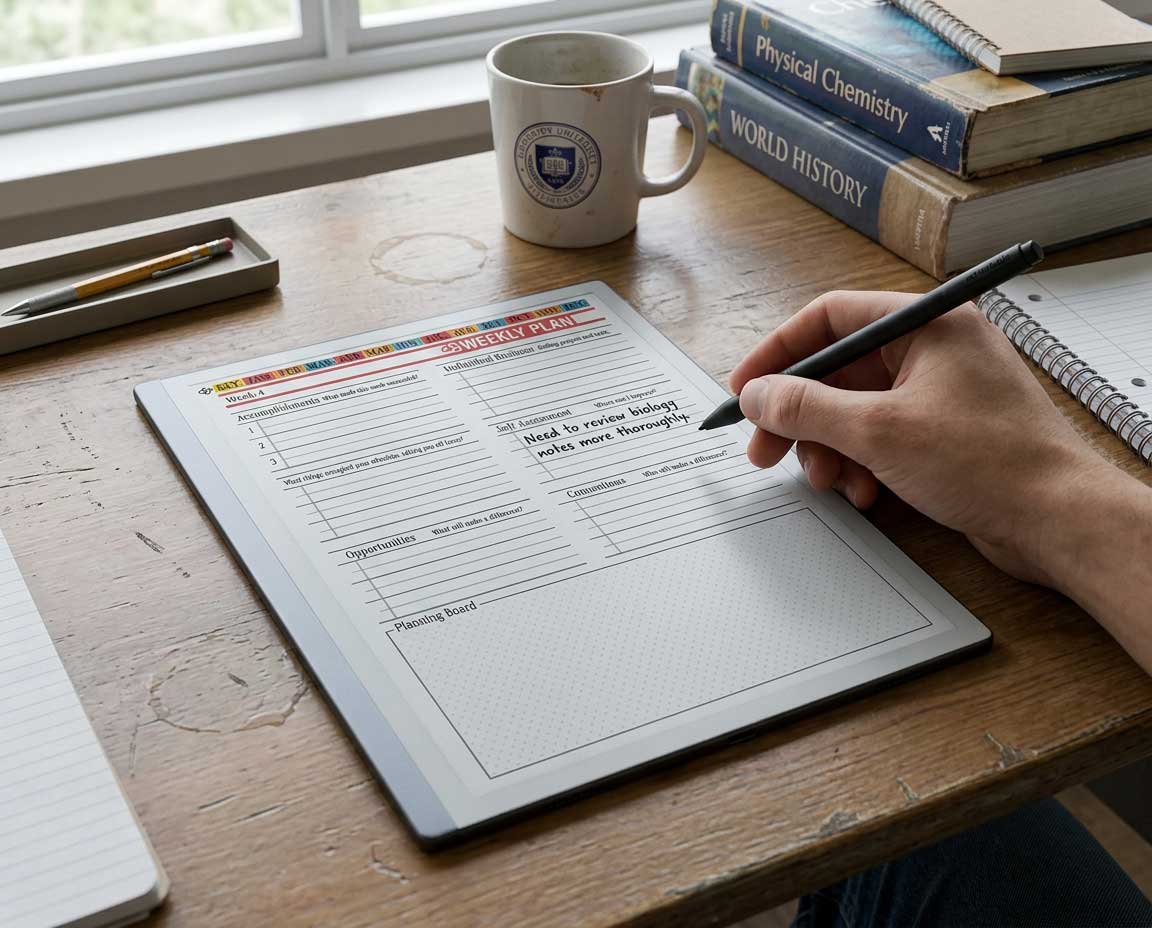
Get the K2S Personal Planner for reMarkable Paper Pure
Daily habits, weekly reviews, goal tracking, and reflection frameworks. Built for students who want a planning system that actually survives the semester.
Shop Personal Planner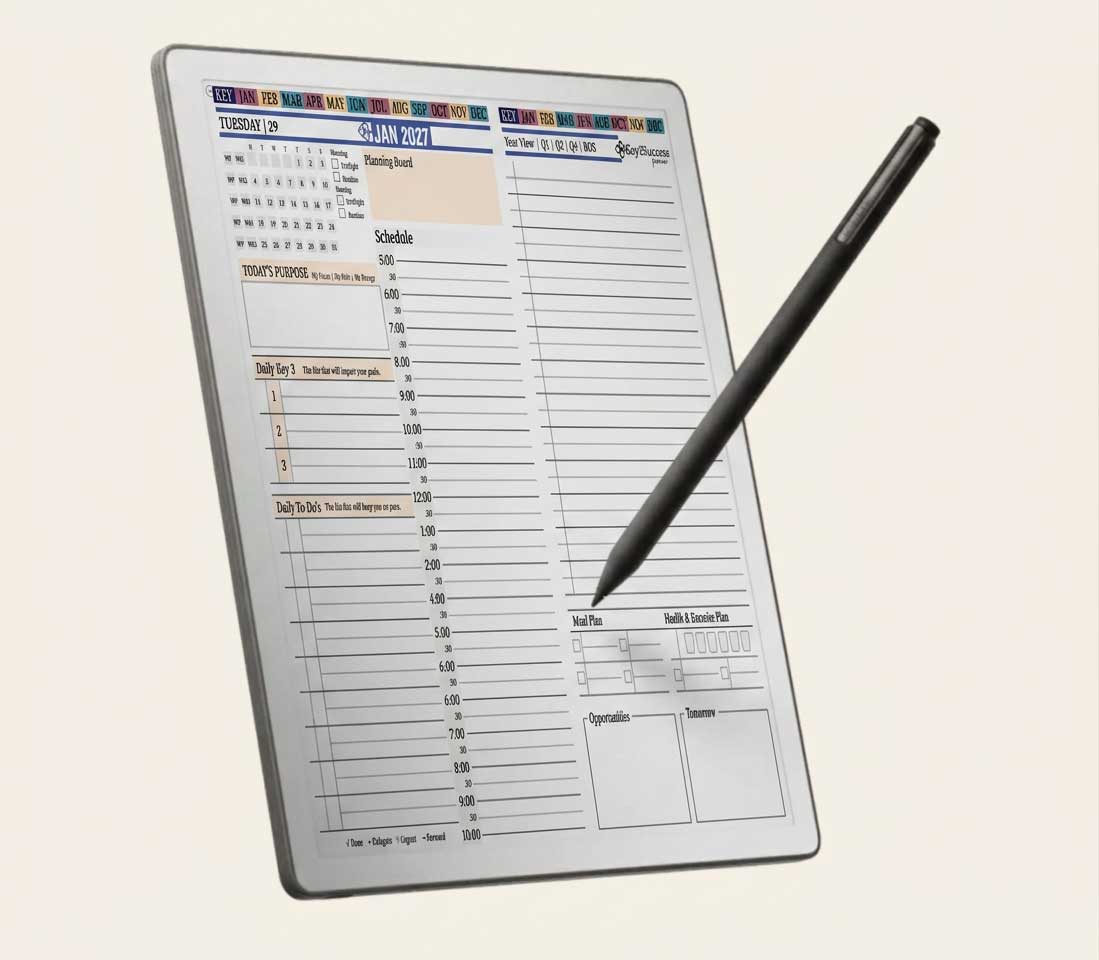
Frequently asked questions
Sources
- Mueller, P.A. & Oppenheimer, D.M. (2014). The Pen is Mightier Than the Keyboard. Psychological Science.
- Van der Meer, A.L.H. & Van der Weel, F.R.R. (2017). Only Three Fingers Write, but the Whole Brain Works. Frontiers in Psychology. frontiersin.org