Weekly and Monthly Planning on Your reMarkable
In this guide:
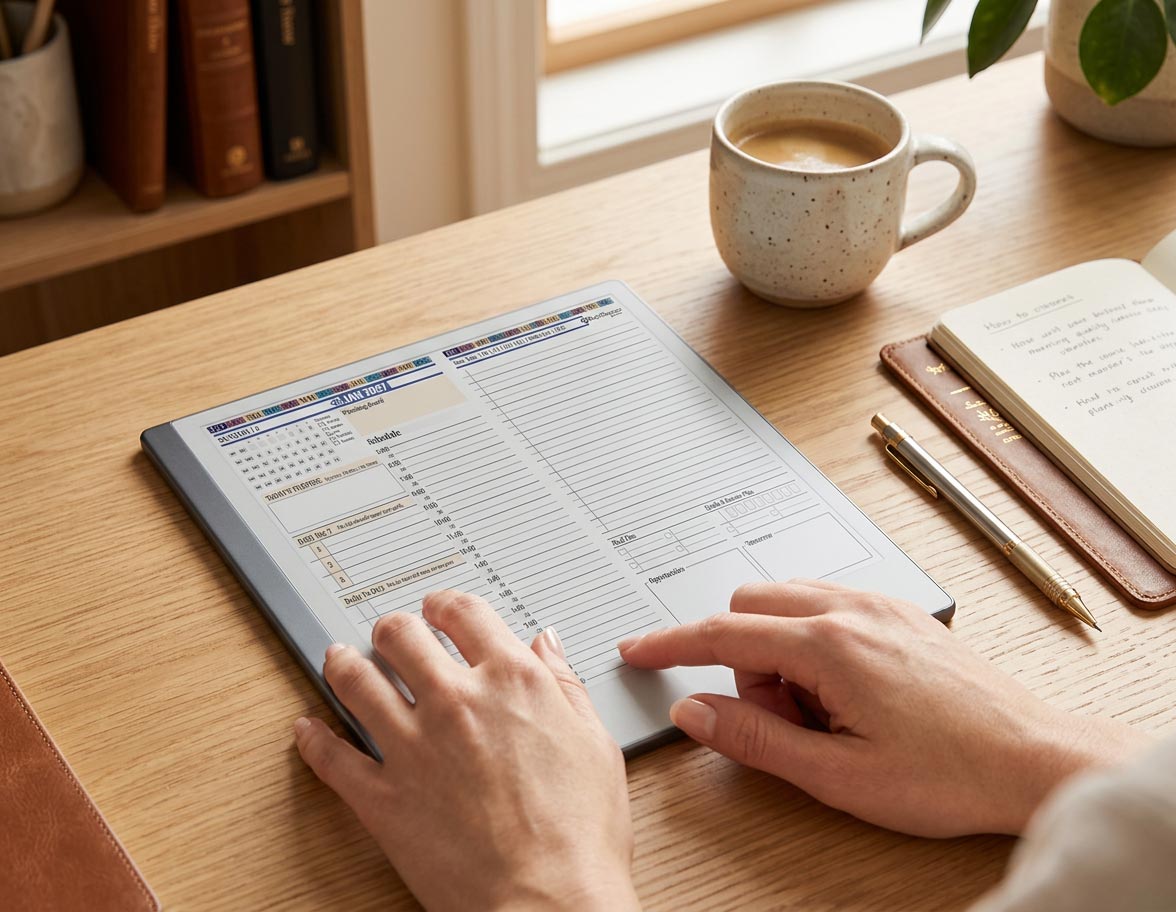
A daily page tells you what to do today. It has no memory of what you carried over from last Tuesday and no visibility into the deadline sitting three weeks out. That's the gap a reMarkable weekly planner and a monthly view are built to close, and it's the piece most people skip when they first set up a Key2Success planner on reMarkable, right before their daily system quietly falls apart.
Daily planning without a weekly layer isn't a system. It's a to-do list that resets itself into chaos every seven days, because nothing ever zooms out far enough to catch the pattern.
A single weekly review closes the loop that daily planning alone always misses.
Visibility a monthly calendar gives you that a daily or weekly page never will.
Weeks and days link back and forth on a hyperlinked planner, so context never gets lost switching views.
Why Weekly and Monthly Views Matter
Three zoom levels do three different jobs. The day is for execution: what you're actually doing right now. The week is for context: what's realistic given everything else on your plate. The month is for deadlines and commitments far enough out that planning for them a day in advance is already too late. Skip the week and month, and every day gets planned in isolation, which is exactly how a deadline sneaks up on you despite a full, well-organized daily page.
The reMarkable weekly planner layer is also where recurring patterns show up. One rough day is nothing. The same task rolling over five days running is a signal your weekly page is built to catch, and your daily page, by design, can't.
Your Weekly Setup Ritual
Pick a fixed time, Sunday evening or Monday morning, and run the same short setup every time:
- Pull forward anything unfinished from last week's daily pages instead of starting the new week blind
- Scan your calendar for the week ahead and note anything with a fixed time before you plan around it
- Set one to three weekly priorities, the handful of things that matter most across the whole week, not per day
- Rough out which days each priority realistically fits, without fully time-blocking every day in advance
This ritual takes ten to fifteen minutes and it's the single habit that makes daily planning actually hold together across a full week instead of resetting from zero every morning.
The Weekly Review That Resets You
David Allen, creator of the Getting Things Done methodology, calls the weekly review the critical success factor of the entire system, not an optional extra. The version that works on a reMarkable weekly planner is a scaled-down take on the same idea: once a week, you process everything that piled up in your daily capture zones, close out what's actually done, and reset for what's ahead.
A workable weekly review takes three steps: clear every daily capture zone from the past week into either "done," "next week," or "someday," check next week's calendar before you commit to anything new, and confirm your top weekly priorities still match what's actually true right now, not what you assumed on Monday.
Monthly View for the Big Picture
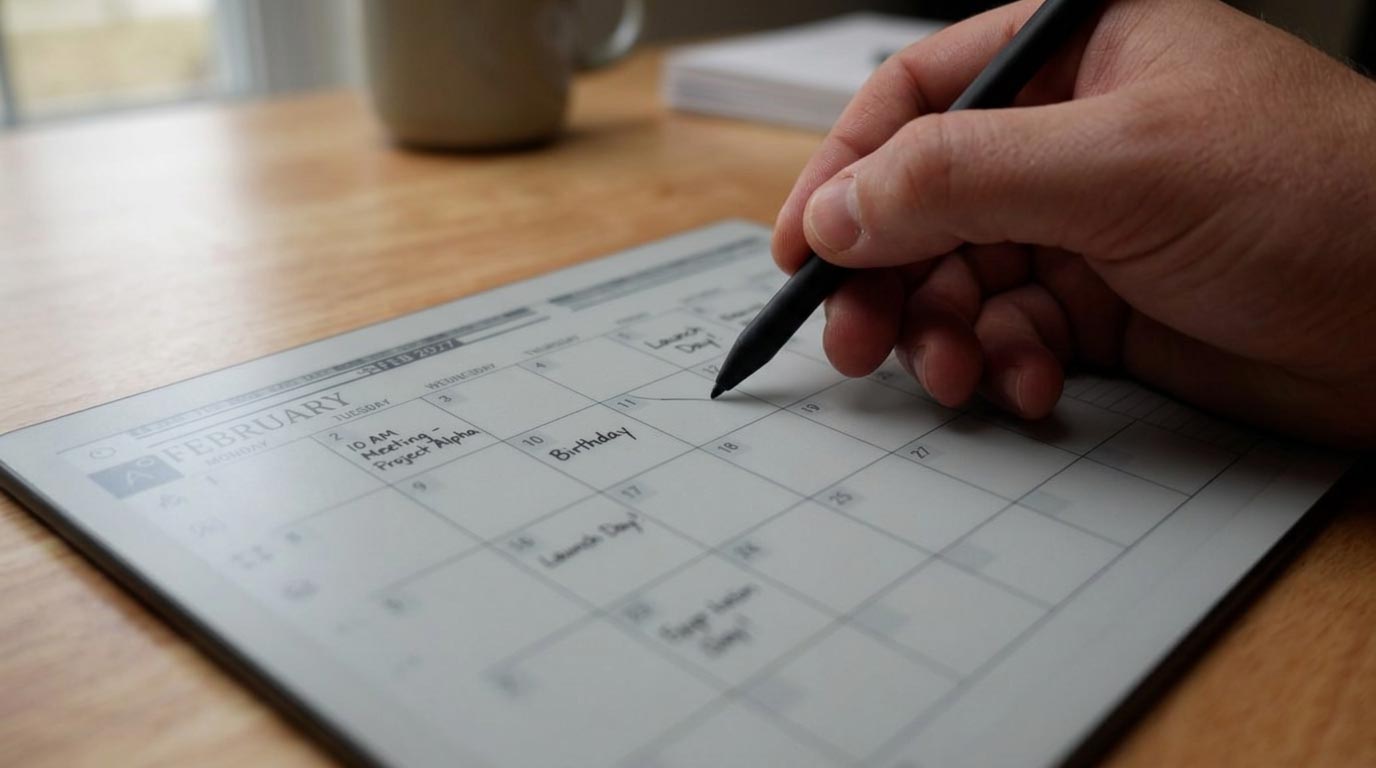
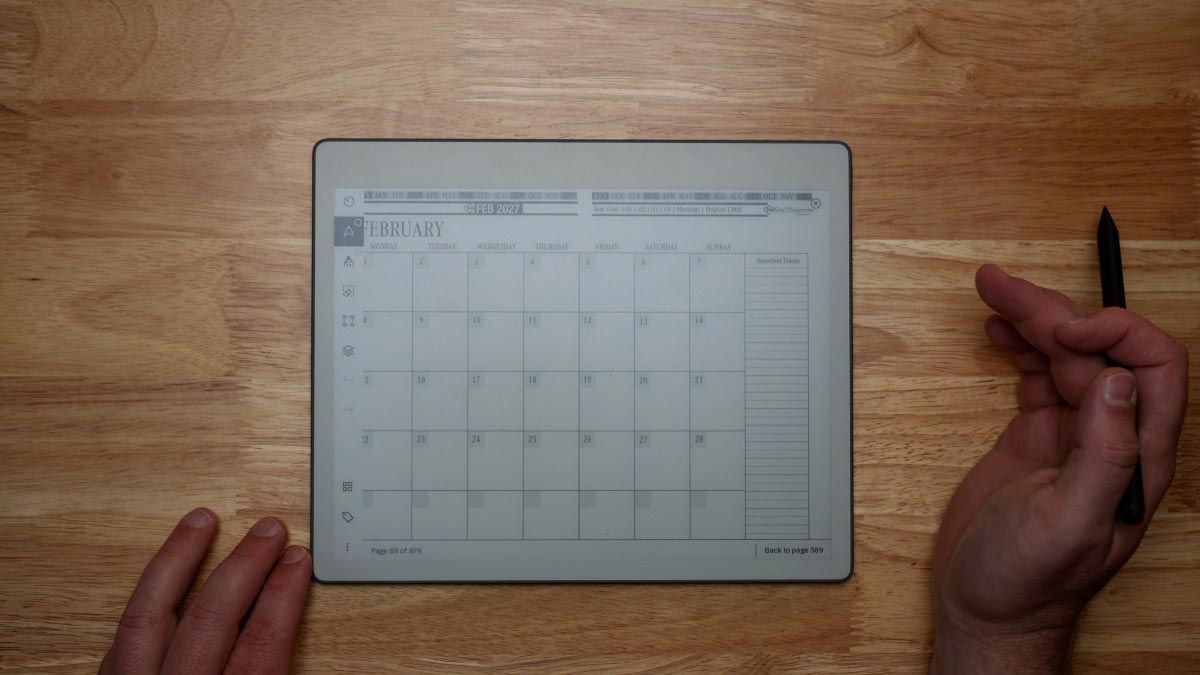
The monthly page holds what doesn't belong on a daily or weekly page: birthdays, bill due dates, travel, quarterly deadlines, and anything else you need to see coming from further out than seven days. It's also where a quarterly goal check-in naturally lives, since a month is close enough to feel real but far enough out to actually track progress on something bigger than a single week.
Screen size matters more here than anywhere else in the planner, since a full month grid has to stay legible at a glance. If you're comparing reMarkable models with the monthly view specifically in mind, our Paper Pure vs reMarkable 2 comparison covers the display differences that affect how much of the month you can comfortably see at once.
Linking Weeks to Days
A weekly page is only useful if it stays connected to the days underneath it. On a properly built Key2Success file, tapping a specific day from the week view takes you straight to that daily page, and the daily page links back up to the week it belongs to. That two-way link is what keeps you from losing context every time you zoom in or out, something a paper planner simply can't do without physically flipping pages back and forth.
It also means your weekly priorities and your daily top three stay honest with each other. If a weekly priority never shows up on any daily page by Thursday, that gap is visible immediately instead of surfacing as a surprise during Friday's review.
Templates That Help
The default weekly and monthly layouts cover most planning styles, but not every workflow fits a fixed grid. If you track habits across a week, run recurring project reviews, or want a monthly layout built around a specific goal-tracking format, that's exactly what Tiles by Key2Success are for: custom page layouts you drop into the file without disturbing the navigation that connects everything else.
Every Key2Success edition ships with connected daily, weekly, and monthly views, already hyperlinked and ready to use on your reMarkable.
Shop Key2Success for reMarkableWeekly Setup Ritual Checklist
Run this every Sunday or Monday before the week gets away from you.
- Pull forward anything unfinished from last week's daily pages
- Scan the week's calendar for fixed-time commitments
- Set one to three weekly priorities, not a per-day task list
- Rough out which days each priority realistically fits
- Check the monthly view for anything approaching that the week alone won't show you
The Takeaway
A daily planner without a weekly layer isn't a lighter system, it's an incomplete one. Most people who say daily planning "stopped working" actually stopped zooming out, not stopped planning. The daily page was still fine. Nothing was checking whether the days added up to anything.
Add the weekly setup, the weekly review, and a monthly glance, and the same daily habit you already built starts compounding instead of just repeating. Grab the Key2Success Planner for reMarkable above and build all three views in one file.
FAQ: reMarkable Weekly Planner
What is the best way to set up a reMarkable weekly planner?
Run the same short ritual every week: pull forward unfinished items, scan the week's calendar, set one to three weekly priorities, and rough out which days they fit. Ten to fifteen minutes at a fixed time works better than an open-ended setup.
How often should I do a weekly review on reMarkable?
Once a week, at a fixed time such as Friday afternoon or Sunday evening. Consistency of timing matters more than which day you choose.
Do I need both a weekly and monthly view, or is one enough?
Both cover different jobs. The weekly view manages what's realistic day to day, while the monthly view catches deadlines and commitments further out than a week can show. Using only one leaves a visibility gap the other is built to close.
Can I link my weekly page to specific daily pages?
Yes, on a hyperlinked Key2Success file, each day in the week view links directly to that daily page, and the daily page links back up to its week.
How is monthly planning different from weekly planning on reMarkable?
Monthly planning tracks bigger, farther-out items like deadlines, travel, and quarterly goal check-ins, while weekly planning manages the realistic day-to-day flow of a single week's priorities.
Quick Answers
Does the weekly and monthly layout work on every reMarkable model?
Yes, the same hyperlinked weekly and monthly pages work identically on the reMarkable 1, reMarkable 2, Paper Pro, and Paper Pure.
Do I need a reMarkable Connect subscription for weekly or monthly planning?
No, the layouts and navigation work with no subscription required.
How long should a weekly review take?
Ten to twenty minutes for most people once the routine is established; it tends to run longer the first few times.
What if I miss a week's review entirely?
Pick it back up the following week rather than trying to reconstruct the missed one; two consecutive reviews will usually catch anything that slipped.
Can I set weekly priorities without time-blocking each day?
Yes, weekly priorities are meant to be roughed in loosely; detailed time-blocking happens at the daily level.
Does the monthly view show handwritten entries from daily pages?
No, the monthly view is a separate calendar page; it doesn't pull in daily handwriting automatically, so major items need to be noted there directly.
Can I use weekly and monthly planning without wifi?
Yes, all navigation and writing works fully offline; wifi is only needed for backup and sync.
Is a hyperlinked weekly view faster to use than a paper week spread?
Yes, tapping between a week view and any specific day is faster than physically flipping between a weekly spread and daily pages in a paper planner.
Sources
- The 11 Steps of the Weekly Review — Getting Things Done
- Daily Planning on reMarkable: A System That Actually Sticks — Key2Success Planner
- Goal Setting on reMarkable with Vision and Yearly Pages — Key2Success Planner
- Customize Your reMarkable Planner with Tiles by Key2Success — Key2Success Planner
- Paper Pure vs reMarkable 2 comparison video — Key2Success Planner
Pingback: Goal Setting on reMarkable with Vision and Yearly Pages
Pingback: Daily Planning on reMarkable: A System That Actually Sticks