Daily Planning on reMarkable: A System That Actually Sticks
In this guide:
Most reMarkable daily planning systems fail for the same reason most paper planners end up half-filled by February: the system asks you to make too many decisions every single morning. A daily page with twelve sections and no order of operations isn't a system, it's a blank canvas with lines on it, and blank canvases are exactly what burn people out on planning in the first place.
A daily system that actually sticks does five things in the same order, every day, until you stop thinking about the order at all. Here's that sequence, built around the Key2Success daily page on reMarkable.
The cap on daily priorities that keeps a to-do list from turning into a wish list you never finish.
The median time researchers found it takes a new daily routine to start feeling automatic instead of effortful.
How far today's page sits from the cover on a properly hyperlinked reMarkable planner — no hunting required.
The Daily Page at a Glance
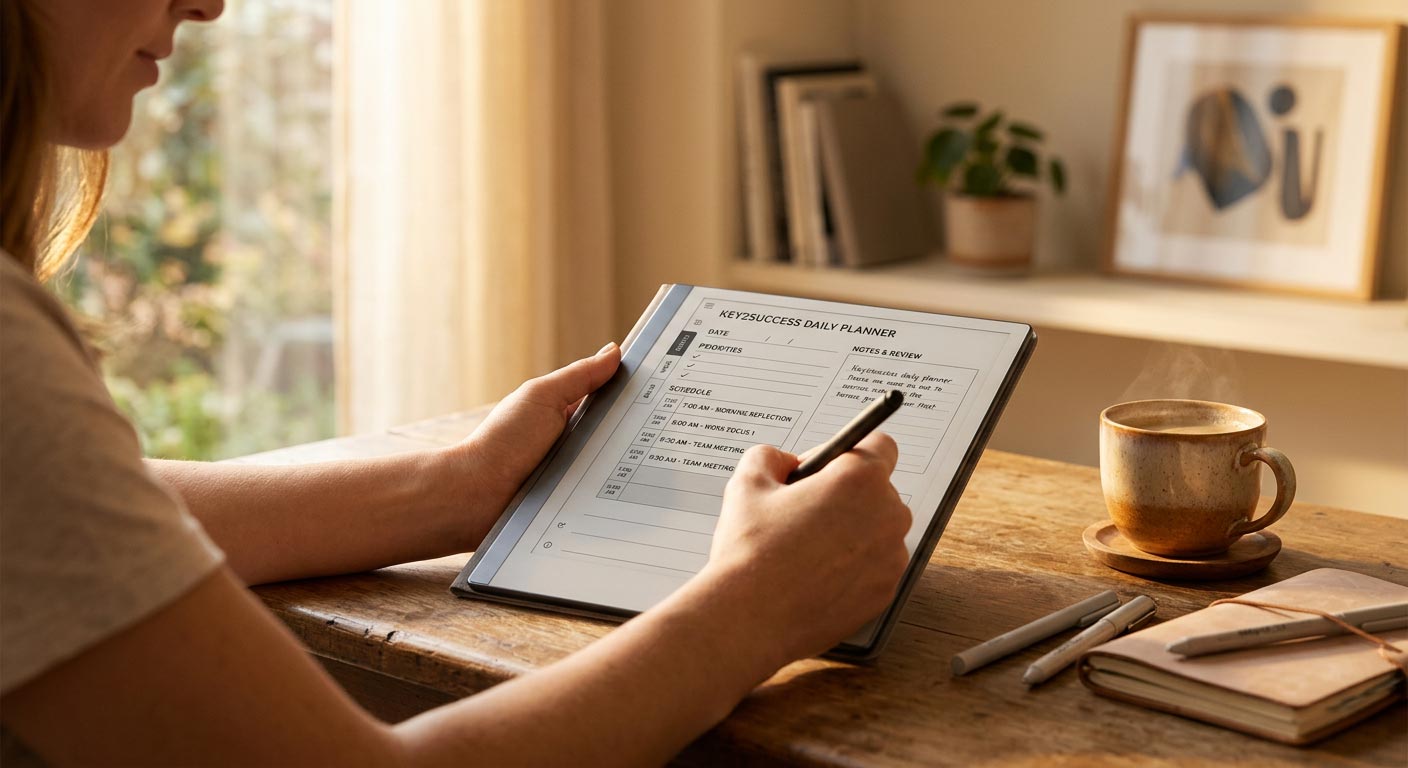
A Key2Success daily page is built in a fixed order on purpose: top three priorities first, a time-blocked schedule second, a single capture zone for tasks and notes third, and a short review prompt at the bottom. That order isn't arbitrary. It forces you to decide what matters before you decide when you're doing it, instead of filling a calendar first and figuring out priorities as an afterthought.
Because the planner is fully hyperlinked, today's page is never more than a couple of taps from wherever you currently are in the file. That matters more than it sounds like it should: a system you have to hunt for is a system you eventually stop opening.
Set Your Top Three Priorities
Before you touch the schedule, write down the three things that would make today a win if nothing else got done. This is a scaled-down version of the Ivy Lee Method, a hundred-year-old technique built on a simple idea: a short, ordered list beats a long, unordered one, because a long list lets you feel busy while avoiding the one task that actually matters.
Three is deliberately restrictive. A daily page with room for ten priorities becomes a task dump, and task dumps don't get worked through in order, they get worked through by whatever feels easiest in the moment. Three items forces a real choice about what's actually important today.
Time-Block Your Schedule
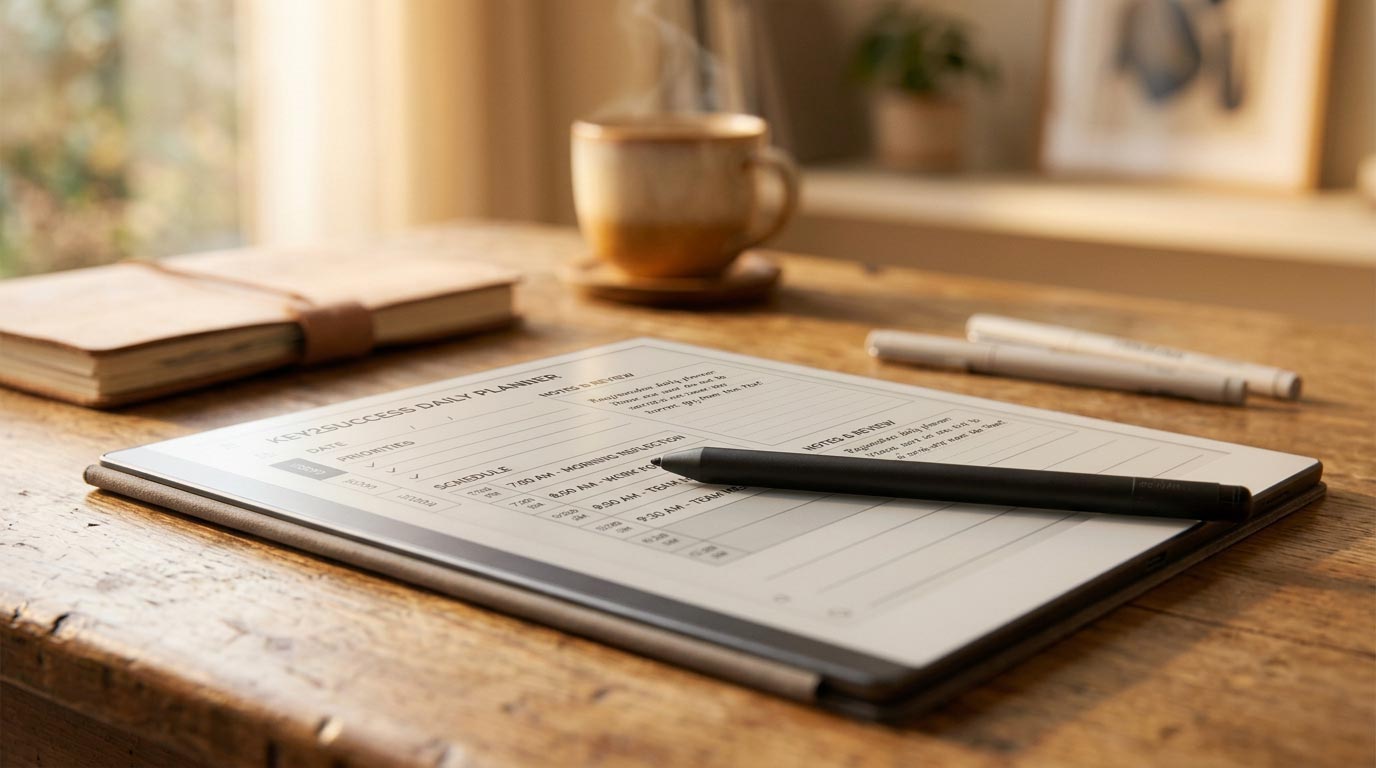
Once your three priorities are set, give each one an actual block of time on the schedule rather than leaving it as a loose item you'll "get to." An unscheduled priority competes with your inbox, your phone, and every small request that shows up during the day, and it usually loses. A scheduled one has a start time, which makes it much harder to quietly skip.
You don't need to block every minute. Block the three priorities first, leave buffer around them for the inevitable interruptions, and let the smaller tasks fill in whatever time is left. Rigid, fully-packed schedules break the first time a meeting runs long. Schedules built around three protected blocks survive a rough day.
Capture Tasks and Notes in One Place
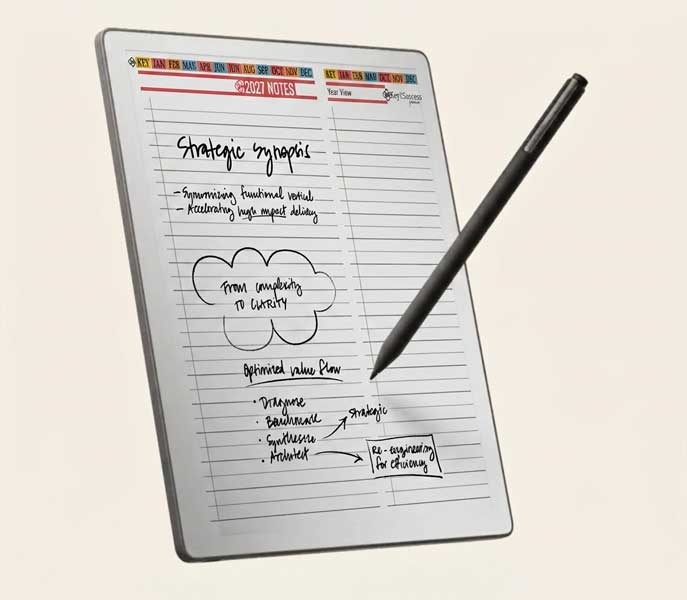
Every planning system I've watched fall apart had the same root cause: tasks and notes living in five different places, a sticky note here, a phone reminder there, a random page in the back of a notebook nobody checks. The daily page's capture zone exists to be the one place, not one of many places, where anything that comes up during the day gets written down.
If a task or note doesn't fit neatly into your priorities or your schedule, it goes in the capture zone and stays there until your review, instead of scattering across apps and margins. This is also where Tiles by Key2Success come in if you need a dedicated layout for something specific, like a meeting-notes format or a project tracker, without breaking the rest of the daily page.
Review and Roll Over
At the end of the day, spend two minutes on the review prompt at the bottom of the page. Cross off what's done, and move anything unfinished onto tomorrow's list rather than letting it silently disappear. An item that gets bumped three days in a row is telling you something: it either isn't actually a priority, or it's bigger than a single daily task and belongs on your weekly planning page instead.
This is also the moment daily planning connects to the bigger picture. A daily page tells you what to do today. It's your yearly and quarterly goals that tell you whether today's three priorities actually move anything forward, or just feel productive.
Make It a Morning Habit
The single biggest predictor of whether a daily planning system survives past week one isn't the layout, the device, or the method. It's whether you've attached it to something you already do every day without thinking about it. This is habit stacking: pairing a new behavior with an existing one so the old habit becomes the cue for the new one, instead of relying on willpower to remember.
Pick a fixed trigger, coffee, sitting down at your desk, closing your laptop the night before, and open your daily page at that exact moment every time. Not when you feel motivated. Not after you check email first. The moment the trigger happens, the planner opens.
Every Key2Success daily page is built around this exact sequence: priorities, schedule, capture, review, already laid out and hyperlinked on your reMarkable.
Shop Key2Success for reMarkableYour First Week Daily Planning Checklist
Run this same order every morning for seven days before judging whether the system works.
- Pick one fixed trigger (coffee, sitting at your desk) and open your daily page at that exact moment
- Write down your top three priorities before looking at your calendar
- Block time for each of the three priorities, then let smaller tasks fill in around them
- Send every stray task or note to the capture zone instead of a sticky note or a separate app
- Spend two minutes at day's end crossing off what's done and rolling over what isn't
The Takeaway
Most daily planning systems don't fail because the format is wrong. They fail because nobody attaches them to an existing habit, so opening the planner becomes a decision you have to make fresh every single morning. A daily page you open when you feel like it will fail exactly as often as a paper planner does. A daily page you open right after coffee, every day, without deciding, does not.
Build the trigger first. The three priorities, the time blocks, and the review all matter, but none of it works if the page never gets opened.
FAQ: reMarkable Daily Planning
What is the best daily planning system for reMarkable?
A system that runs in a fixed order every day: set three priorities, time-block your schedule, capture stray tasks and notes in one spot, then review and roll over unfinished items. The order matters more than the specific layout.
How many priorities should I set on the reMarkable daily page?
Three. Capping the list at three forces a real decision about what matters most and keeps the page from turning into a long task dump that never gets fully worked through.
Do I need to time-block every day to make this stick?
You need to block time for your top three priorities specifically. You don't need to schedule every minute of the day; leaving buffer around your blocked priorities makes the system more resilient to a rough day.
What happens to unfinished tasks at the end of the day?
Roll them into tomorrow's list during your review. If the same item gets rolled over three days running, it either isn't a real priority or it's a bigger project that belongs on a weekly or monthly page instead.
How long until daily planning on reMarkable feels automatic?
Research on habit formation puts the median around 66 days, though it varies by person. Attaching the routine to a fixed daily trigger, rather than relying on motivation, is what shortens that timeline.
Quick Answers
Does this daily planning system work on any reMarkable model?
Yes, the Key2Success daily page layout and hyperlinked navigation work identically on the reMarkable 1, reMarkable 2, Paper Pro, and Paper Pure.
Do I need a reMarkable Connect subscription to run this system?
No, the daily planning layout and navigation work with no subscription required.
Can I use this same approach if I prefer planning by week instead of by day?
Yes, the same priority-then-schedule-then-review order works at a weekly level; it just covers a longer span of time per page.
Can I skip time-blocking and just keep a task list?
You can, but unscheduled priorities are much easier to skip once the day gets busy; blocking at least your top three tasks makes the system more reliable.
Should I do my daily review in the morning or at night?
Either works, but reviewing the night before means you open tomorrow's page with priorities already set instead of deciding them cold.
Do I need wifi to use the daily planning pages?
No, writing and navigating the daily page works fully offline; wifi is only needed for backup and sync.
What if I miss a day of my daily planning routine?
Pick the trigger back up the next time it occurs rather than trying to reconstruct the missed day; consistency of the trigger matters more than a perfect streak.
Can I capture handwritten notes and typed tasks in the same spot?
Yes, the capture zone accepts handwritten entries, and Connect users can additionally convert handwriting to text for typed task lists.
Pingback: Weekly and Monthly Planning on Your reMarkable
Pingback: reMarkable Digital Planner vs Paper Planner: Should You Switch?
Pingback: Goal Setting on reMarkable with Vision and Yearly Pages